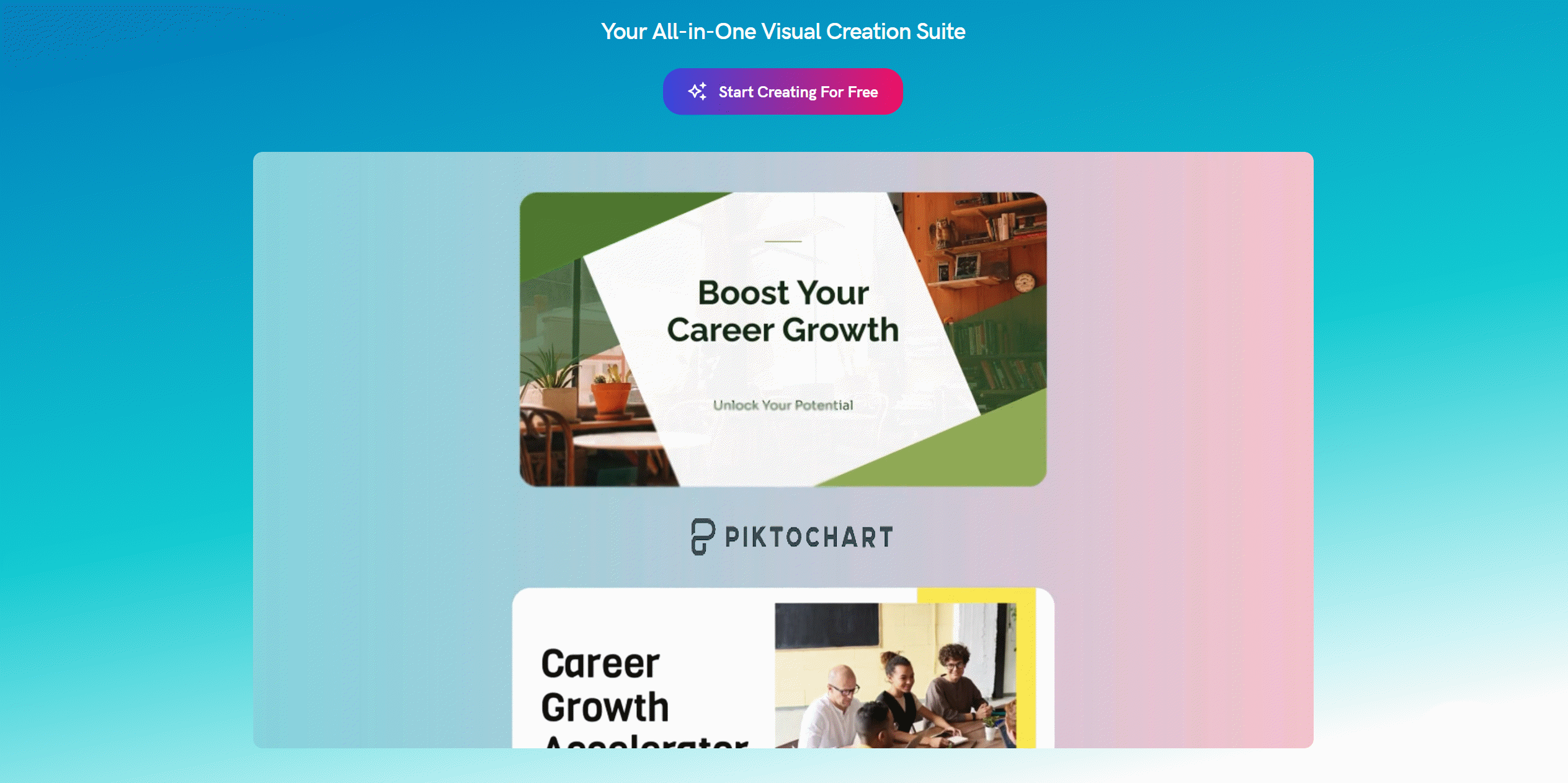
Imagine transforming your dull data reports or marketing briefs into captivating infographics or social media posts in minutes — without the steep learning curve of traditional design software. Piktochart aims to do just that by blending powerful AI features and user-centric design tools to democratize professional-grade visual content creation.
Breaking Down Piktochart’s AI Edge in Visual Content
Piktochart’s rise as a powerhouse in visual content creation can be traced directly to its advanced AI-driven features, which set it apart from traditional design tools. At the heart of this innovation is the AI infographic generator, now supercharged by Google’s Nano Banana image editing model. This integration is widely regarded as a “game-changer for infographic quality,” enabling users to produce crisp, professional visuals with just a few clicks—no design background required.
AI-Powered Infographic Generator Enhanced by Google’s Nano Banana
The AI infographic generator is a standout feature, leveraging Google’s Nano Banana model to automate the creation of infographics from raw data or plain text. Users simply input their information, and Piktochart’s AI instantly transforms it into visually engaging layouts. This not only accelerates the design process but also ensures that every infographic meets high standards of clarity and visual appeal. As one user puts it,
Piktochart’s AI Studio transforms complex visualizations into effortless creations.
Automated Newsletter and Data Visualization Tools
Beyond infographics, Piktochart’s AI Newsletter Builder and suite of visual authoring tools automate the production of newsletters, reports, and presentations. The platform intelligently arranges content, applies branded themes, and selects optimal infographic templates, eliminating the manual, time-consuming tasks found in tools like PowerPoint or Photoshop. This means anyone—regardless of design experience—can achieve professional results in minutes.
Text-to-Video Innovation with OpenAI and Google
A unique highlight is Piktochart’s integration with OpenAI’s Sora 2 and Google’s Veo 3.1, which enables users to generate cinematic 8-second video clips directly from text prompts. This breakthrough allows for the creation of realistic motion, dynamic camera effects, and synchronized audio—without the need for cameras, filming, or manual editing. For businesses and educators, this means compelling video content is now accessible and fast to produce.
Efficient Social Media Content Resizing
For social media marketers, Piktochart’s AI-driven automation is a major time-saver. The platform automatically resizes and optimizes visual assets for various platforms like Instagram, LinkedIn, and Facebook, ensuring brand consistency and eliminating repetitive manual editing. Export options for print-ready PDFs and high-quality images further streamline the workflow for both digital and offline campaigns.
-
AI-powered infographic generator enhanced by Google’s Nano Banana model
-
Automates newsletter creation and data visualization with minimal effort
-
Creates cinematic 8-second videos via OpenAI’s Sora 2 and Google’s Veo 3.1
-
Simplifies social media content resizing for multiple platforms
With its robust AI toolkit, Piktochart delivers unmatched speed, efficiency, and quality in visual content creation, making professional design accessible to all.
User Experience: Intuitive Design Meets Powerful Automation
Piktochart’s user experience is a standout example of how intuitive design and powerful automation can transform visual content creation. The platform’s drag-and-drop interface, combined with its robust brand assets management features, makes it accessible for users of all skill levels—whether they’re individuals, business teams, or educators. Piktochart’s interface is clean and straightforward, allowing users to focus on creativity rather than wrestling with complicated menus or technical barriers.
Centralized Brand Assets for Visual Consistency
One of Piktochart’s most valuable features is its Brand Assets hub. This centralized space allows teams to store and manage essential branding elements—fonts, color palettes, and logos—in one place. By integrating these assets directly into the design process, Piktochart ensures that every project maintains a consistent look and feel. As one user put it,
Brand kits save hours by ensuring visual consistency effortlessly.
This centralized approach not only saves time but also eliminates the risk of off-brand visuals, a common challenge when using traditional design tools like Photoshop or Illustrator.
All-in-One Visual Content Creation Suite
Piktochart eliminates the need for multiple software solutions by combining infographic, presentation, and video creation tools within a single platform. Users can generate everything from infographics and reports to cinematic videos and social media graphics without switching between different applications. The integration of advanced AI—such as the Pikto AI Infographic Generator and Google’s Nano Banana image editing—automates complex design tasks, turning plain text or data into polished visuals in seconds.
Automated Layout Management for Dense Information
Handling large amounts of information is often a pain point in visual content creation. Piktochart’s automated layout management intelligently organizes dense data, marketing briefs, or reports into clear, professional formats. The AI-driven system takes care of spacing, alignment, and visual hierarchy, allowing users to focus on the message rather than manual formatting. This simplification of design tools directly boosts productivity and reduces the learning curve for new users.
Team Collaboration Features for Distributed Workflows
Collaboration is at the heart of Piktochart’s design philosophy. The platform offers real-time editing, commenting, and version control—features modeled after popular tools like Google Docs and Microsoft Teams. This makes it easy for distributed teams to work together, review designs, and implement feedback instantly. As Piktochart emphasizes,
Piktochart’s unified workspace is designed for today’s fast-paced teams.
These team collaboration features are especially vital for remote or hybrid organizations that need to maintain momentum and quality across multiple projects.
-
Drag-and-drop interface with centralized brand assets for easy, on-brand design
-
All-in-one platform replaces the need for multiple design tools
-
Automated layouts streamline complex information into clear visuals
-
Real-time collaboration supports distributed teams and fast feedback cycles
By integrating intuitive design, centralized brand management, and powerful automation, Piktochart delivers a seamless user experience that meets the demands of modern visual content creation.
Pricing Plans Explored: Which Piktochart Option Fits?
Piktochart’s pricing structure is designed to meet the needs of a wide range of users—from solo creators and educators to large organizations seeking advanced collaboration and brand control. With flexible options, including a robust free plan and scalable paid tiers, Piktochart pricing reflects its commitment to accessibility and value. Here’s a closer look at each plan and what it offers.
Free Plan: Basic Tools, Limited Visuals
The Free plan is a great entry point for individuals wanting to test Piktochart’s capabilities. At $0, users can create up to 5 active visuals at any time. The free plan includes access to essential tools, templates, and the AI-powered features that set Piktochart apart. However, there are notable limitations: all exports include a Piktochart watermark, and downloads are restricted to lower-resolution images. Storage is also limited, and users cannot access advanced export options like print-ready PDFs or HD images. These restrictions are intentionally set to encourage upgrades as needs grow.
Pro Plan: Unlimited Visuals and Professional Output
For those seeking more flexibility and polish, the Pro plan unlocks the full power of Piktochart. Priced at $14/month (billed annually) or $24–$29/month on a monthly basis, the Pro plan removes watermarks, allows unlimited active visuals, and enables HD exports and print-ready downloads. Users also gain increased storage, priority support, and access to advanced AI credits for tools like the Pikto AI Infographic Generator and cinematic video creation. Annual billing offers up to 52% savings compared to monthly payments, making it a cost-effective choice for regular users.
Business & Team Plans: Collaboration and Brand Control
The Business plan is tailored for teams, supporting up to 5 members with multi-user collaboration, shared workspaces, and advanced template management. Features include custom branded templates, single sign-on (SSO), and centralized brand asset management—ideal for startups, nonprofits, and businesses needing consistent, on-brand visuals. Team plans scale with additional seats and enhanced collaboration tools, mirroring the real-time editing experience of platforms like Google Docs.
Enterprise Plan: Advanced Security and Dedicated Support
Large organizations and agencies can opt for the Enterprise plan, which offers custom pricing for 101+ users. This tier includes advanced security protocols, dedicated account management, custom onboarding, and priority support. It’s designed for organizations with complex needs, such as educational institutions, consultancies, and global nonprofits.
Piktochart’s pricing plans cater well to both individuals and large teams.
Users frequently report that, despite some price critiques, the platform delivers strong ROI and significant time savings. The free trial helps users gauge if features match their needs, while annual billing and nonprofit discounts further enhance affordability. Overall, Piktochart pricing is structured to support growth, collaboration, and brand consistency at every stage.
Real Voices: User Testimonials That Speak Volumes
Piktochart’s reputation as a powerhouse in visual content creation is not just built on features—it’s proven by the voices of its diverse user base. From entrepreneurs and educators to marketers and nonprofit leaders, real-world testimonials highlight how Piktochart’s intuitive interface, advanced AI tools, and robust team collaboration features deliver measurable results across sectors.
Small Businesses: Boosting Brand Visibility and Efficiency
For small business founders, Piktochart has become an essential tool for scaling brand presence and streamlining workflows. Anne Payuan, Co-Founder of The Bright Millennial, credits the platform for her brand’s explosive growth:
Piktochart saved us time and money compared to hiring designers.
With Piktochart’s infographic templates and AI-powered design automation, Anne grew her audience to over 300,000 followers and transformed her side project into a thriving business. Similarly, Kerry Tottingham from A Brilliant Thing reports a direct impact on the bottom line:
By bringing all our design work in-house with Piktochart, our profit margins improved dramatically.
Educators: Elevating Engagement and Learning Outcomes
Educators are leveraging Piktochart’s interactive visuals and easy-to-use tools to make complex topics accessible and engaging. Dr. Aaron Fischer of the University of Utah notes:
Our presentations are clearer and more engaging, thanks to Piktochart.
Jamie Barkin from Wheaton High School echoes this sentiment, describing how students respond enthusiastically to lessons enhanced with Piktochart’s visual content. The platform’s ability to turn dense information into digestible graphics has proven invaluable in the classroom.
Marketers: Saving Time and Ensuring Brand Consistency
Marketing professionals praise Piktochart for its speed and ability to maintain a cohesive brand presence across social channels. Automated resizing and on-brand infographic templates allow teams to create and distribute content for Instagram, LinkedIn, and Facebook in minutes, not hours. The Brand Assets hub ensures every visual aligns with company guidelines, reducing manual editing and approval cycles.
Nonprofits & Startups: Empowering Communication and Growth
Nonprofits and startups rely on Piktochart to communicate with stakeholders, pitch ideas, and educate audiences. Organizations like Refill Aqua have used the platform to craft compelling presentations and build partnerships, while community groups highlight the ability to present complex data in a clear, impactful way.
-
Over 200 million users worldwide trust Piktochart.
-
22 million visuals created—demonstrating its global reach and practical value.
Across all testimonials, recurring themes include significant time and cost savings, democratized access to professional design, and seamless team collaboration features. Users consistently report that Piktochart outperforms more complex alternatives, making high-quality visual content creation accessible to everyone.
Beyond Basics: The Unmatched Versatility of Piktochart
Piktochart, powered by its advanced Pikto AI Studio, has redefined what’s possible in visual content creation. More than just an infographic tool, Piktochart is a comprehensive platform that supports a remarkable range of content—from eye-catching social media graphics and professional presentations to cinematic video clips and interactive reports. Its versatility is a game-changer for individuals, businesses, educators, and nonprofits seeking to communicate ideas with clarity and impact.
A standout feature is the AI infographic generator, which transforms plain text, data sets, or marketing briefs into polished, engaging visuals in seconds. This automation eliminates the need for traditional, complex design software, making professional-grade content accessible to users of any skill level. The integration of Google’s Nano Banana image editing model and advanced AI tools means that even the most intricate infographics and reports can be created with minimal effort and maximum visual appeal.
Piktochart’s innovation extends to video, thanks to unique integrations with Google’s Veo 3.1 and OpenAI’s Sora 2. Users can now generate cinematic, 8-second video clips from simple text prompts—complete with realistic motion, camera effects, and synchronized audio. This capability introduces a new storytelling channel, allowing marketers and educators to captivate audiences without the need for cameras or manual editing. As one user put it,
“Its ability to create cinematic content without cameras is revolutionary.”
For startups, nonprofits, and community organizations, Piktochart’s dynamic toolkit is invaluable. The platform enables the creation of compelling pitches, annual reports, and educational materials—empowering teams to communicate complex ideas and drive engagement. Features like the AI logo generator, interactive maps, and advanced data charting tools further expand creative possibilities, while the intuitive interface ensures speed and ease of use.
Central to Piktochart’s appeal is its robust brand assets management. The Brand Assets hub and Branded Templates guarantee visual consistency by centralizing essential branding elements—fonts, colors, and logos—across all projects. This unified approach not only saves time but also strengthens brand identity, a crucial advantage for organizations managing multiple campaigns or collaborating across distributed teams. As one reviewer aptly stated,
“Piktochart is not just a design tool; it’s a visual storytelling powerhouse.”
Collaboration is seamless, with real-time editing and commenting features that mirror the best aspects of platforms like Google Docs and Microsoft Teams. This makes Piktochart especially suitable for remote, hybrid, and fast-paced organizational settings, where efficiency and teamwork are paramount.
In conclusion, Piktochart and its AI Studio stand out as a leading solution for anyone looking to elevate their visual content creation. By combining innovative AI functions, centralized brand management, and support for a wide array of content formats—including cinematic video—Piktochart delivers unmatched versatility, speed, and professional polish. For businesses, educators, and creatives alike, it’s a platform that truly democratizes design and empowers compelling storytelling.
TL;DR: Piktochart offers an all-in-one AI-powered design platform ideal for professionals and educators, delivering speed, brand consistency, and collaboration at varied pricing tiers.